Feb 2025 - Mar 2025
CoNestify
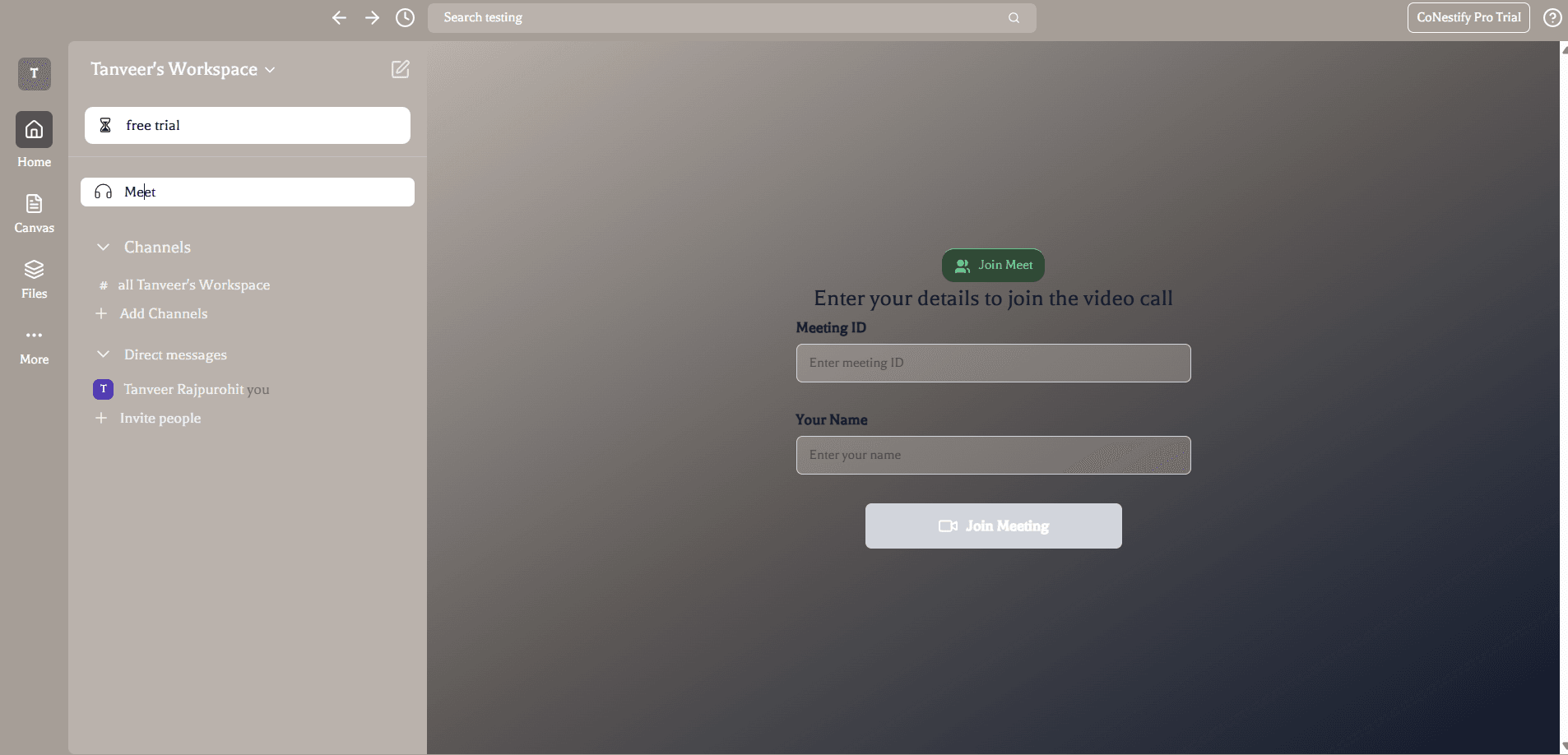
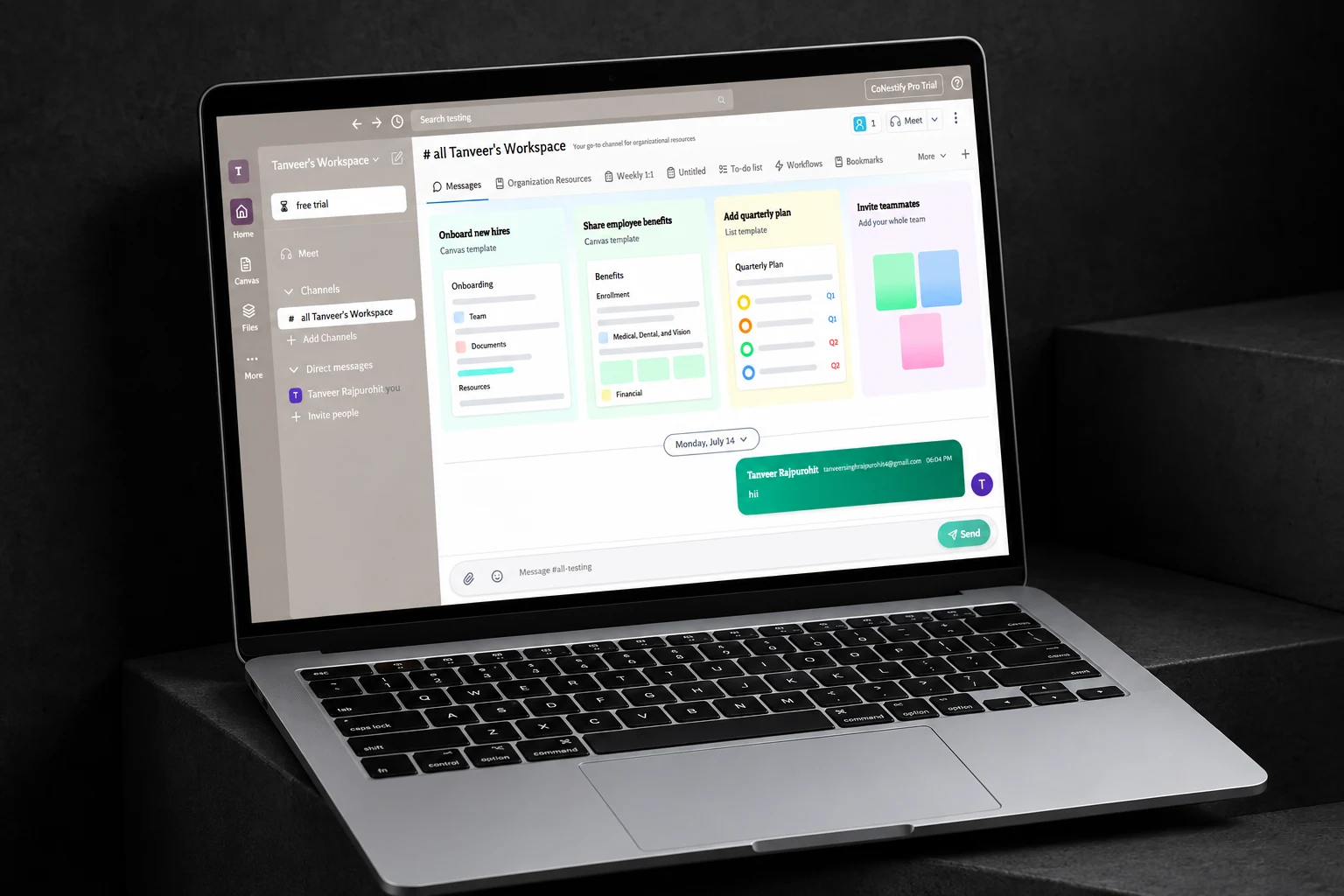
A team workspace that keeps channel conversations, direct messages, documents and diagrams together. Members can discuss the work over audio or video calls without leaving the app. Behind the interface, persistent workspace records and a mediasoup media server support messaging and calls.
- PROJECT
- Team collaboration workspace
- FOCUS
- Full-stack and real-time communication
- STACK
- Next.js, TypeScript, Socket.IO
- MEDIA & DATA
- mediasoup, Prisma, PostgreSQL
Overview
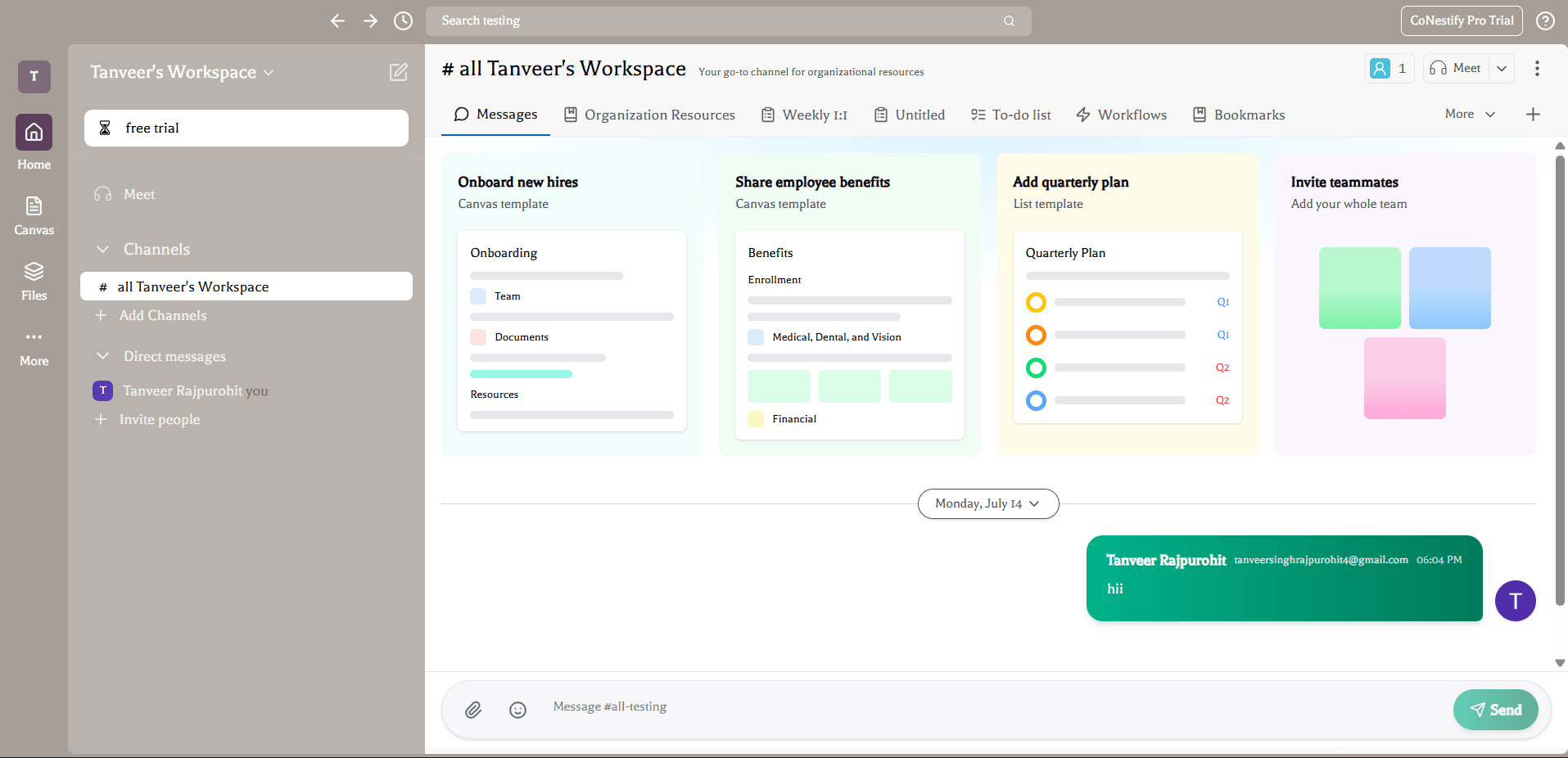
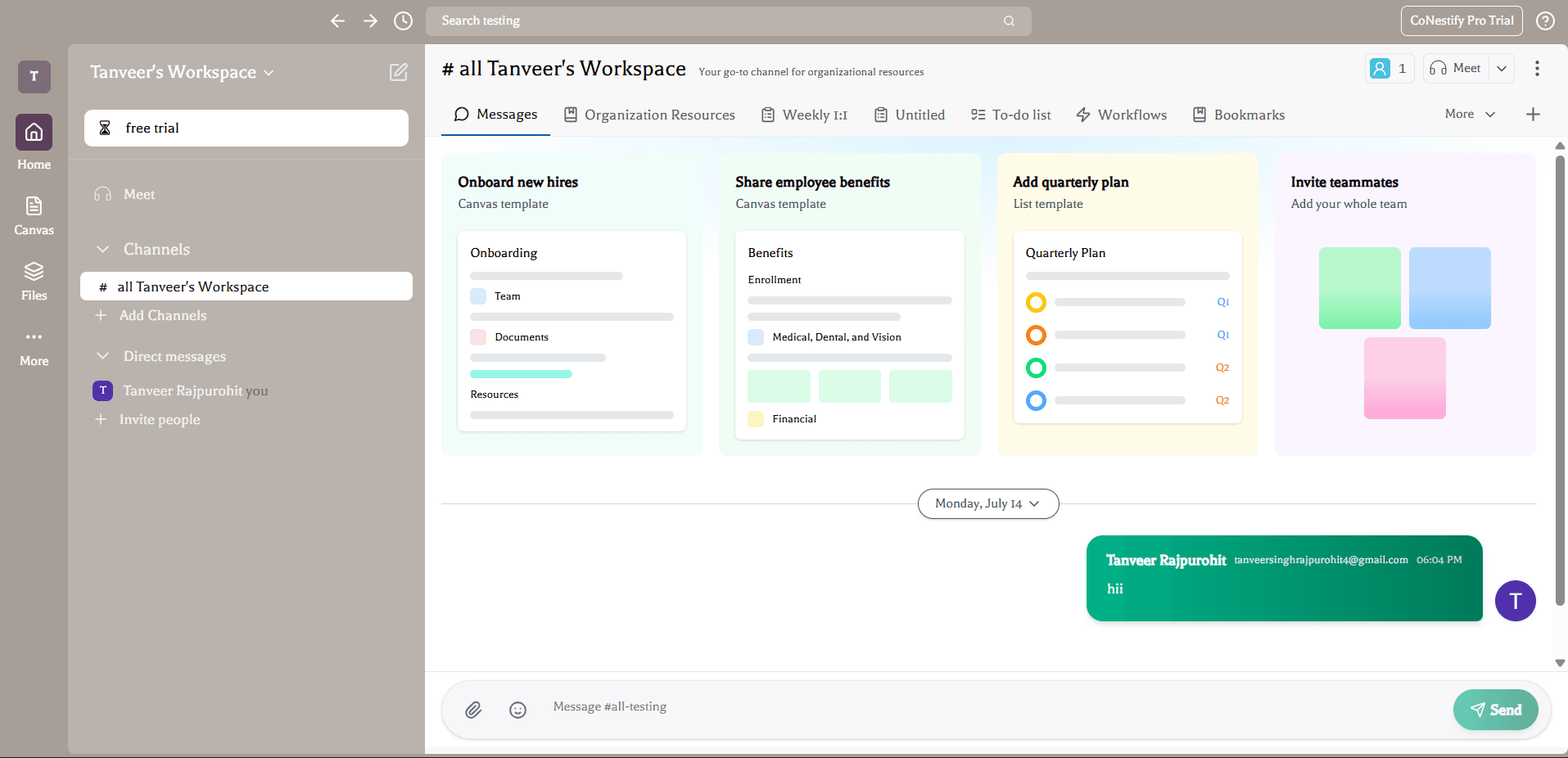
CoNestify keeps a team's conversations and working material in one workspace. Channels and direct messages sit alongside documents, canvases and task lists, with audio and video calls available inside the product.
I built the workspace interface, backend and real-time services. PostgreSQL keeps messages and shared files available between sessions, while Socket.IO carries live events. For calls, a mediasoup media server forwards each participant's audio and video to the others.
Why I built it
A team discussion often produces a document, a sketch or a list of tasks. When those artifacts live elsewhere, people have to recover the context each time they return to the conversation.
I wanted a workspace where those objects could be created and shared through the same channels. Building it also meant working through a range of real-time behaviors, from a saved chat message to an active media connection.
The problem
Messages and workspace membership must survive a page reload. A call transport or a live editing session has a different lifetime. Putting every interaction through the same request model makes it harder to manage those differences.
Multi-party calling introduces another constraint: sending a separate copy of audio and video to every participant increases each browser's upload load. A selective forwarding unit (SFU) receives those streams and forwards them to the other participants, while the application manages room membership.
The solution
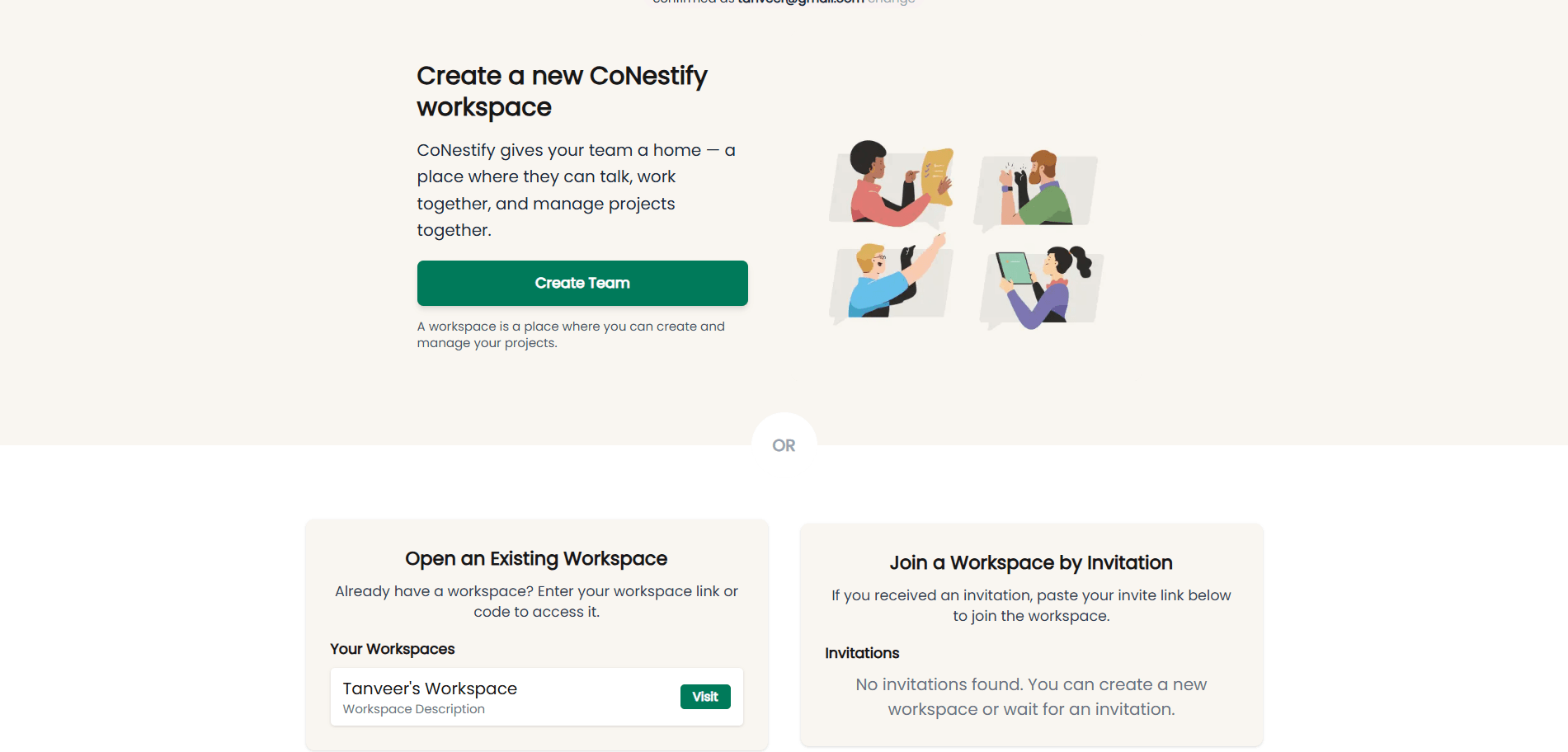
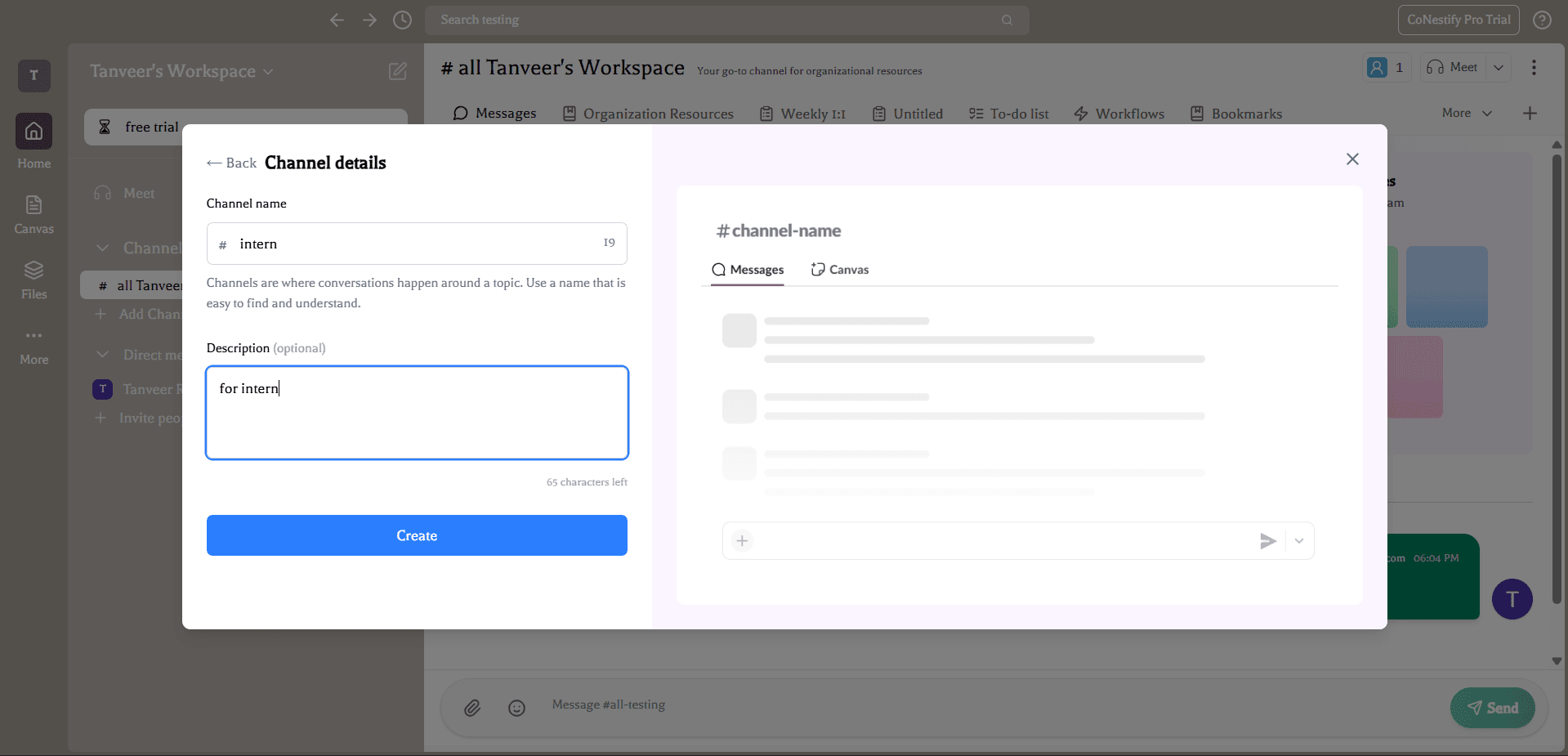
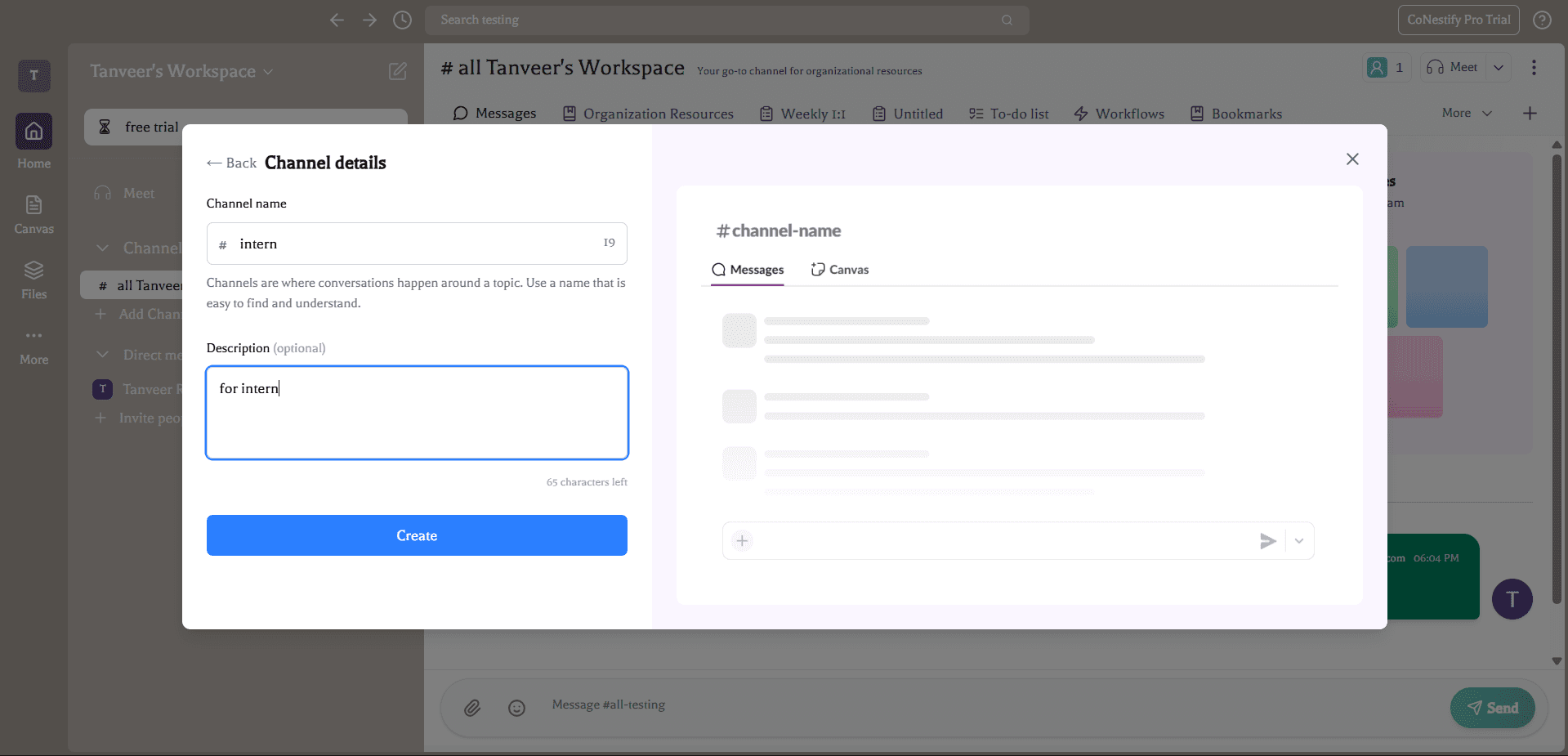
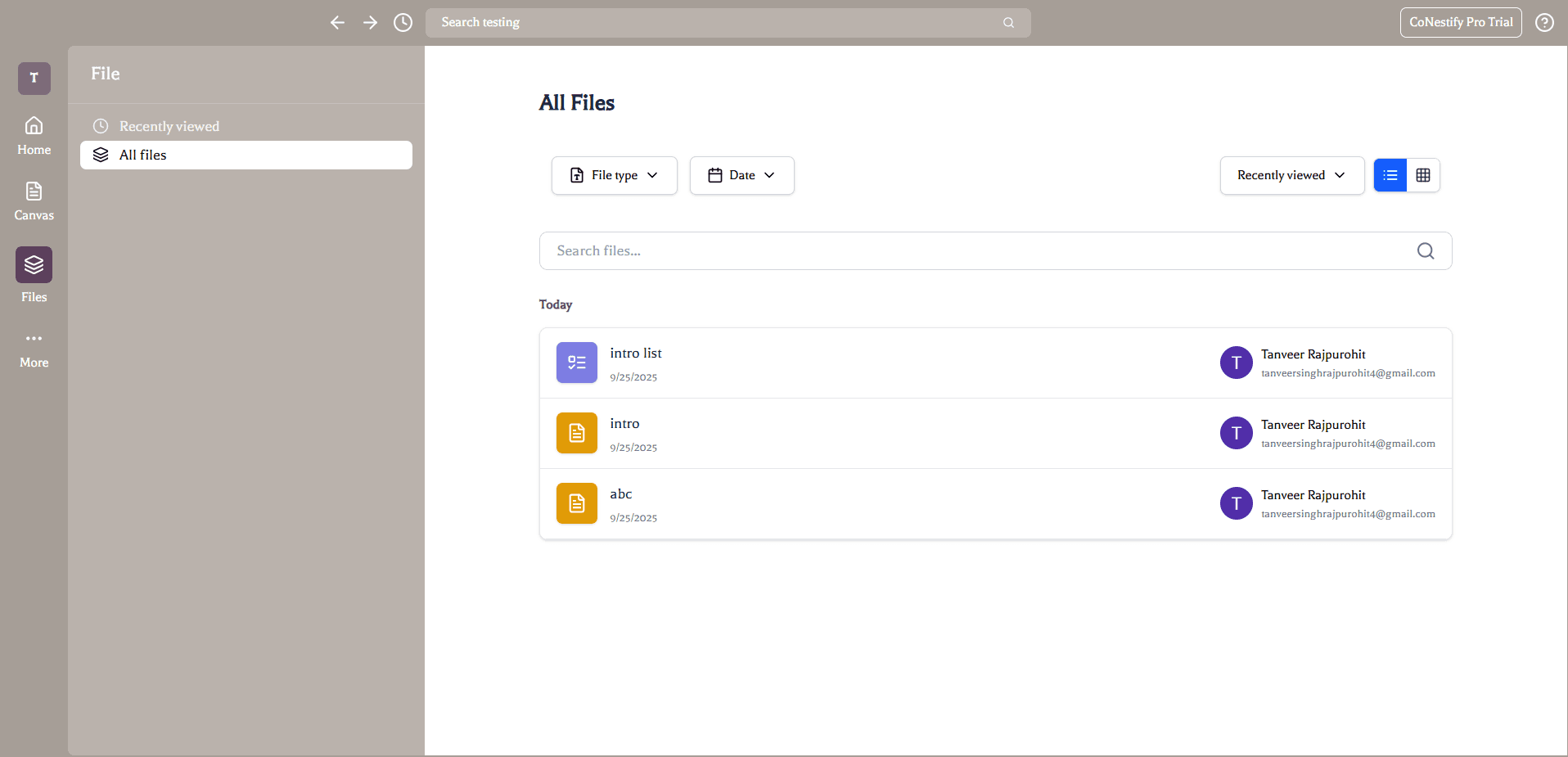
Members can create workspaces, invite teammates and organise conversations into channels or direct messages. Documents, canvases and task lists can be referenced in chat, keeping a route back to the original work.
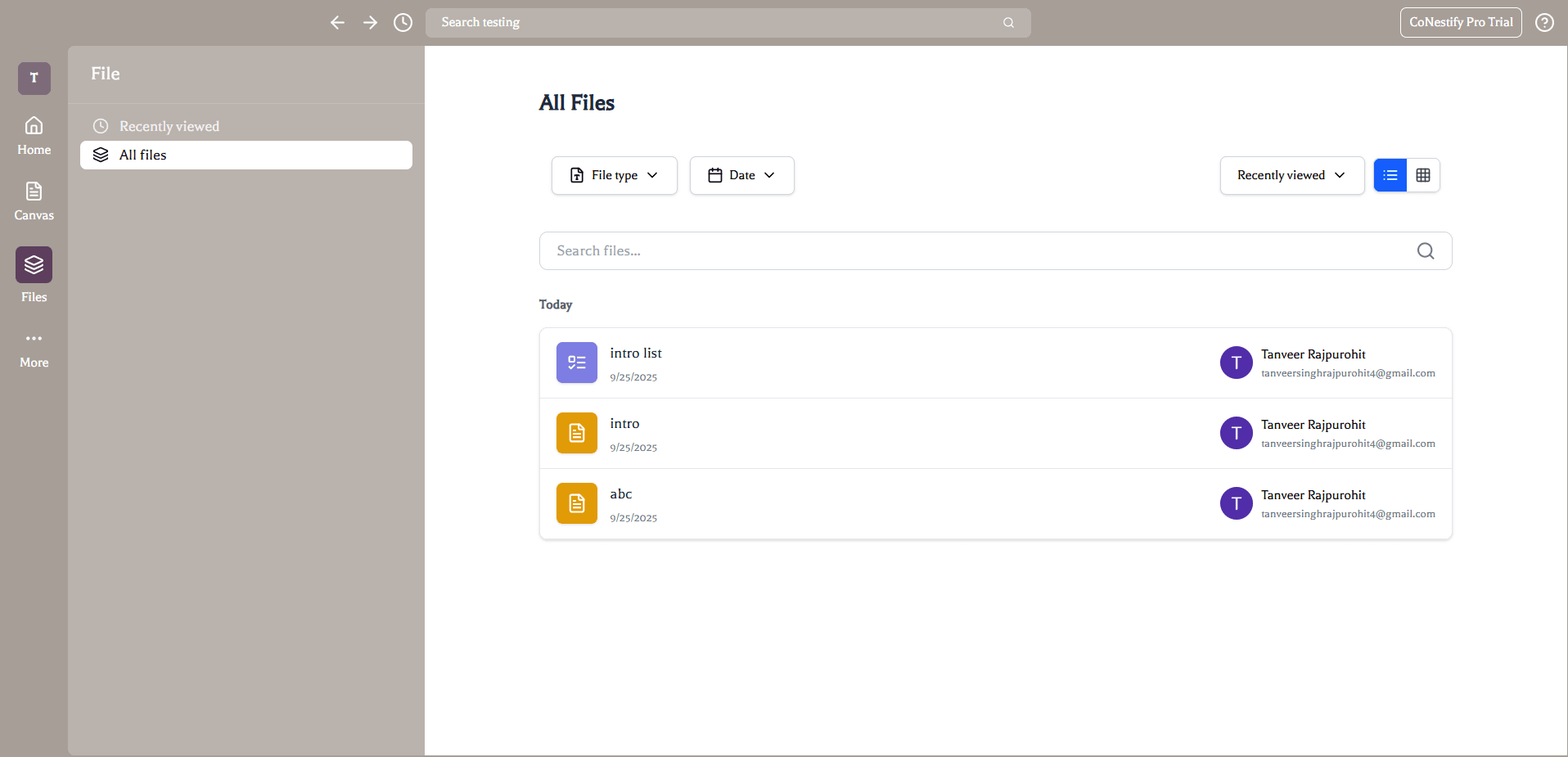
Editor.js handles structured documents and Excalidraw provides the canvas. Socket.IO rooms organise live events, while Prisma and PostgreSQL hold the persistent records for users, membership, messages and shared files.
How a participant joins a call
Browser participant
The client joins a workspace call room.
Socket.IO signalling
Events coordinate router capabilities and transport setup.
mediasoup router
WebRTC transports carry producer and consumer media.
Other participants
Clients consume the published streams in the room.
Media and events
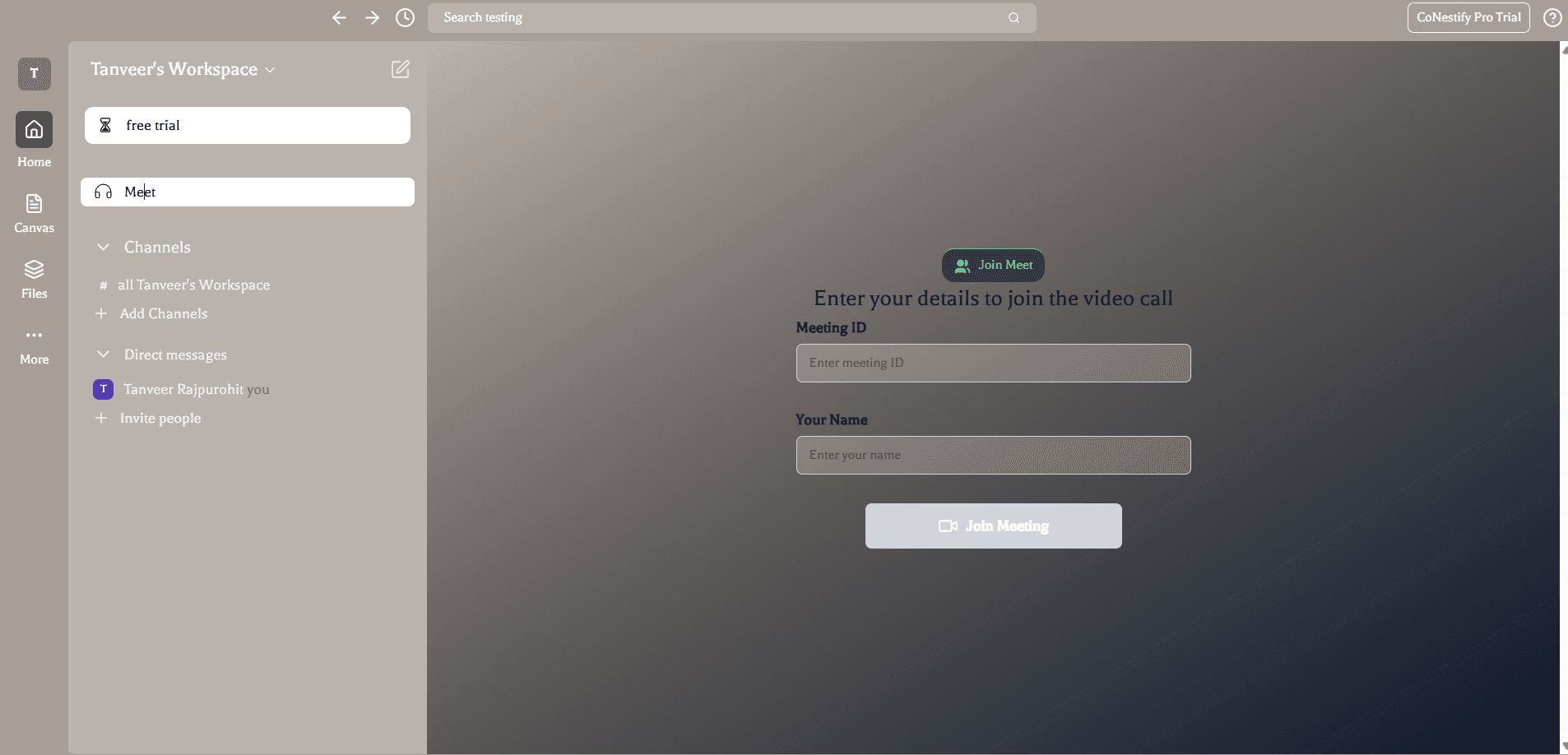
The WebSocket server creates a mediasoup worker and a router for a call room. Participants establish WebRTC transports, publish through producers and receive other participants' streams through consumers.
Socket.IO carries the coordination messages needed to create and connect those resources. The audio and video travel over WebRTC. Keeping signalling separate from media makes it possible to inspect a failed join or transport without treating it as a normal chat event.
The Turborepo structure shares database and configuration packages between applications. That keeps the workspace's data model consistent across API operations and event handling.
Outcome
The application connects saved workspace content with messaging and calls. I used mediasoup for media forwarding and built the room coordination and application integration around it.
Channels and direct messages give teammates a place to discuss shared documents, canvases and tasks. The calling layer connects room membership and media streams to that workspace, with separate paths for stored records, live events and audio or video.
CoNestify gallery
A closer look at the product and its workflows.