EasyDraw
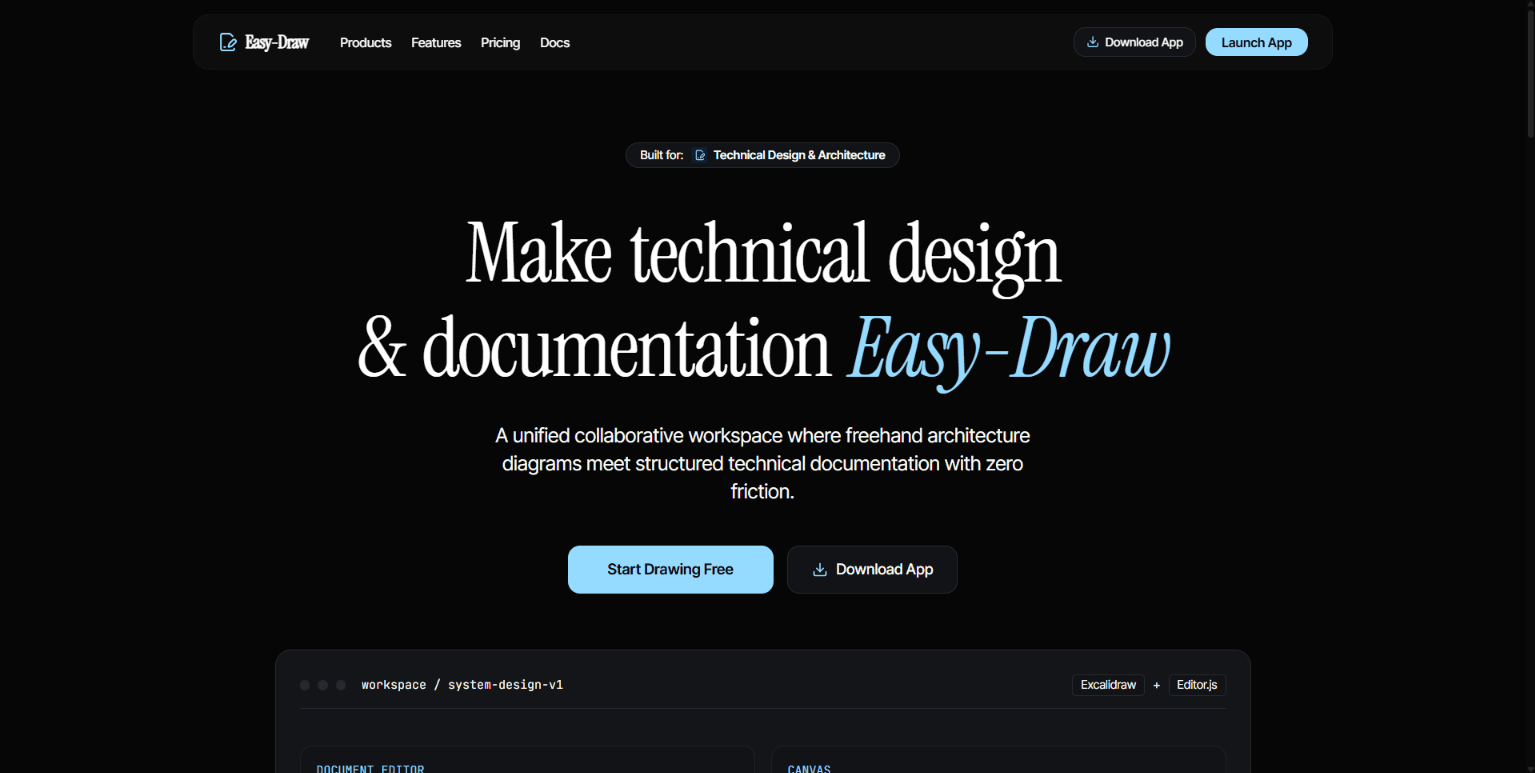
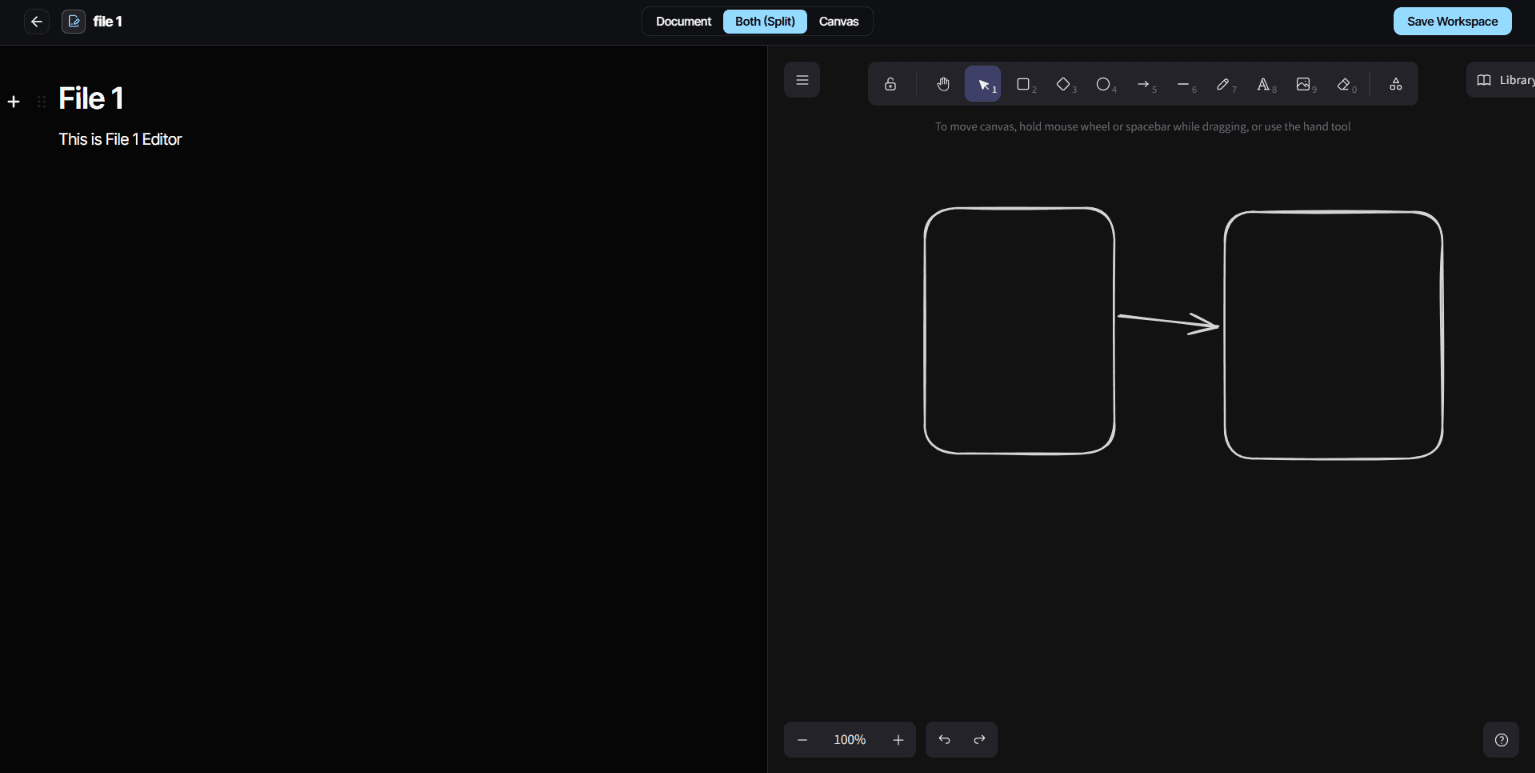
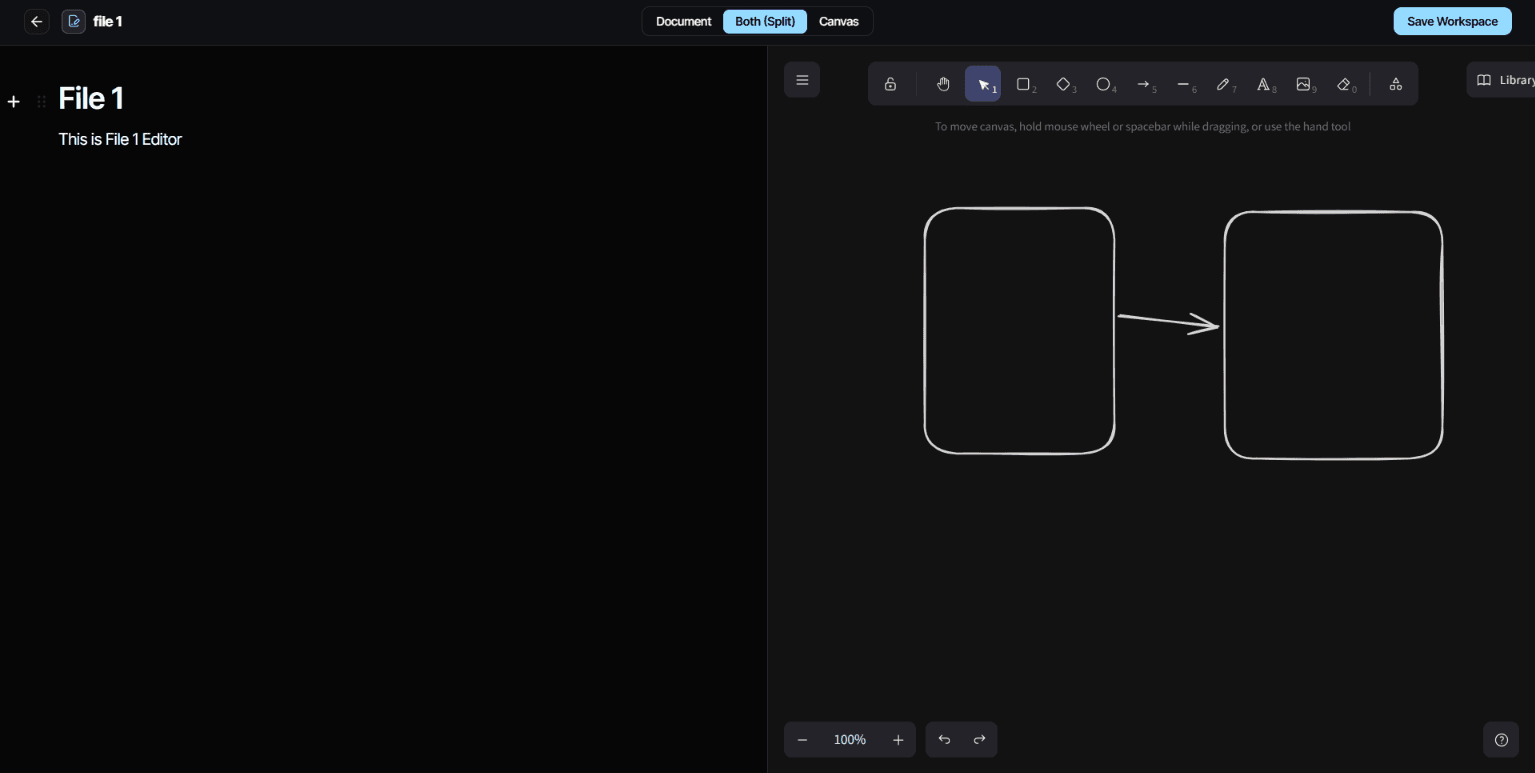
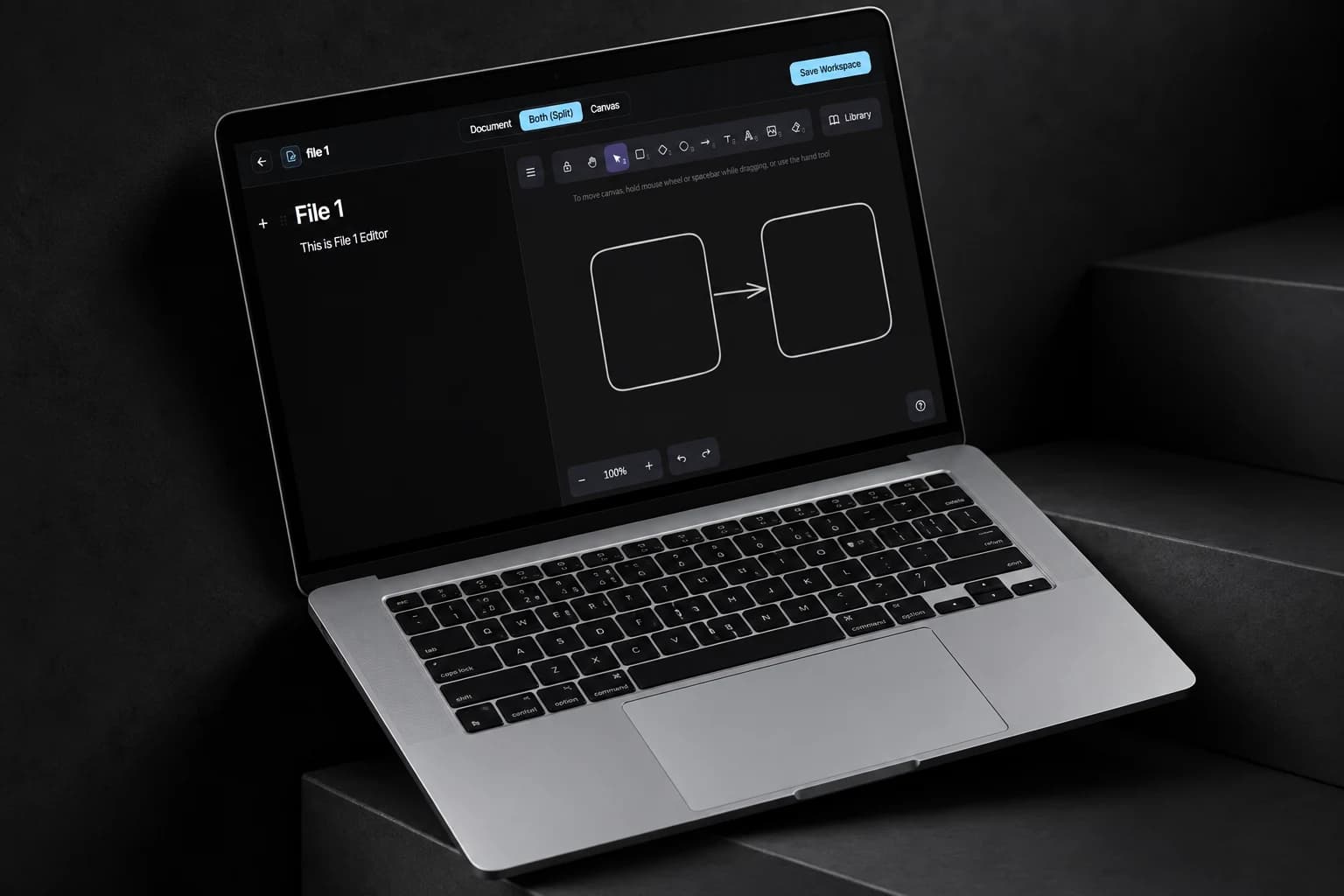
Keep a diagram and its explanation in one team file. Sketch with Excalidraw, write structured notes in Editor.js, and switch between canvas, document and split views. Saving stores both together, so teammates can reopen the workspace with its context intact.
- PROJECT
- Diagram and document workspace
- FOCUS
- Full-stack editing workflow
- EDITOR
- React, Excalidraw, Editor.js
- BACKEND
- Express, TypeScript, MongoDB
Overview
EasyDraw puts a drawing canvas and a written document in the same file. A team can sketch an idea, explain the decisions beside it and return to both through a shared workspace.
I built the workspace around Excalidraw and Editor.js, with document-only, canvas-only and split views. The backend saves drawing elements and structured text together in MongoDB, so both remain editable when a team member reopens the file.
The problem
A sketch can show how components connect without explaining why they were arranged that way. Keeping the diagram and its notes in separate files creates extra work whenever the idea changes.
Saving and reopening should preserve both parts of the idea as editable content. A screenshot captures the appearance of a diagram, but loses the shapes and text a teammate needs to change it later.
The solution
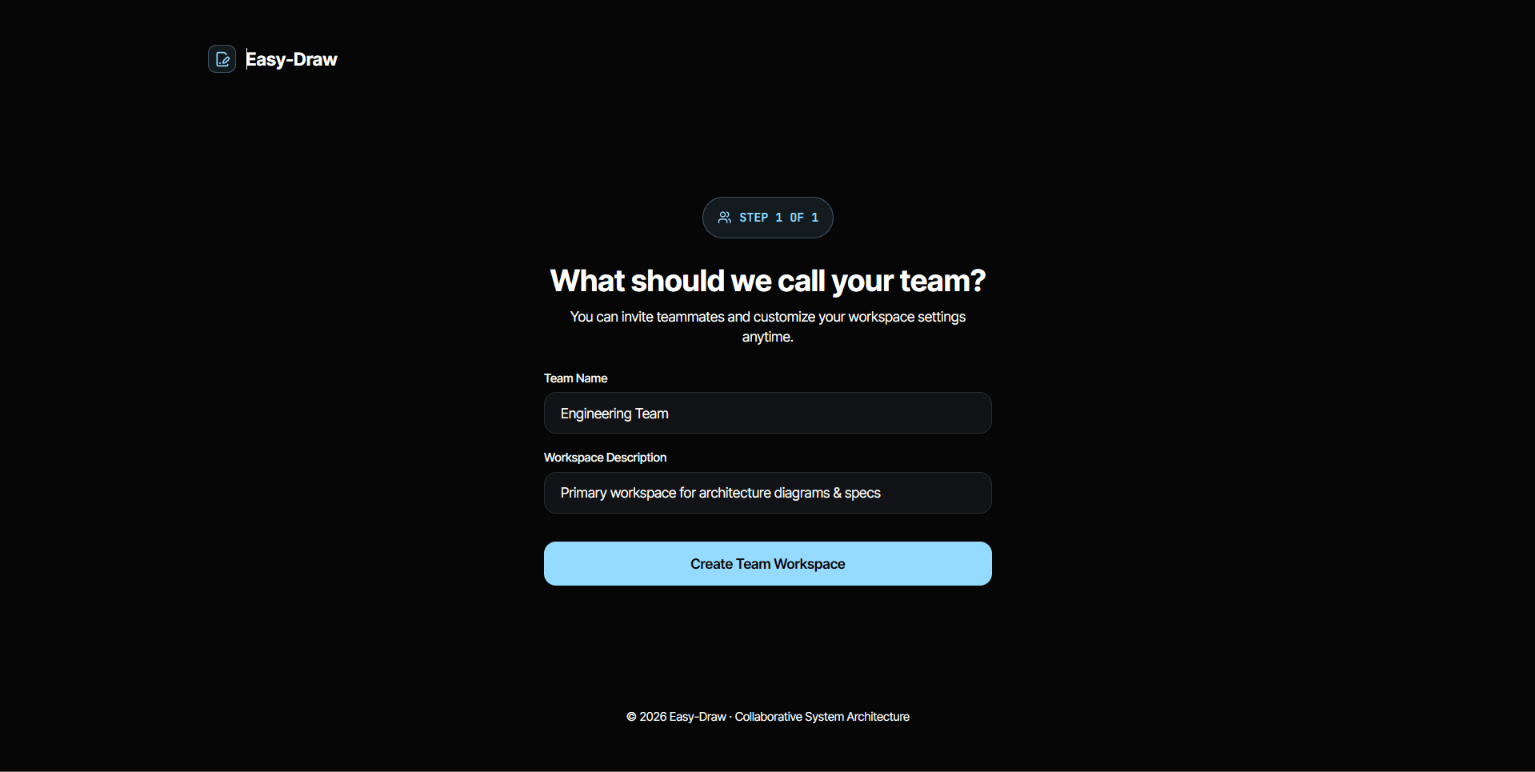
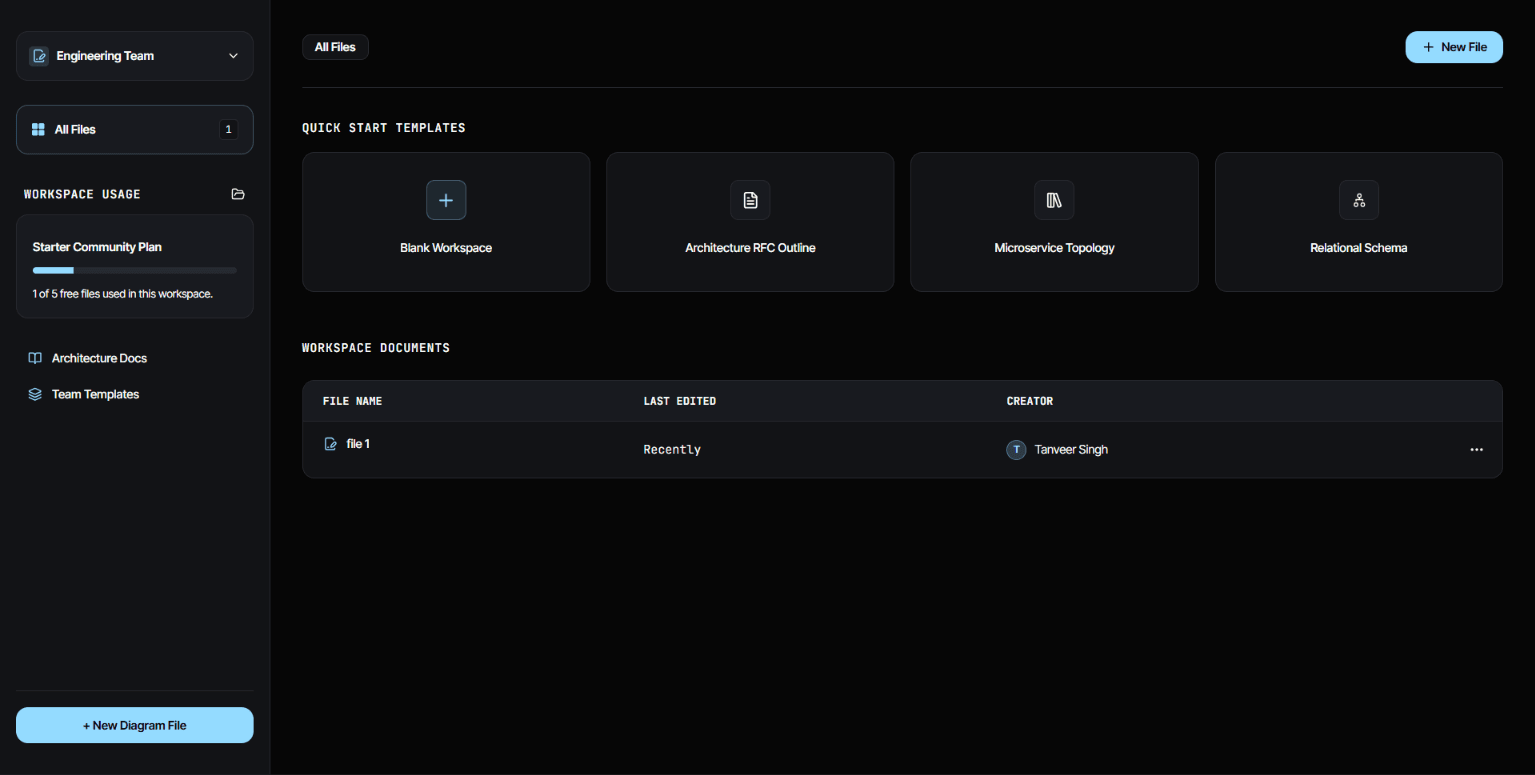
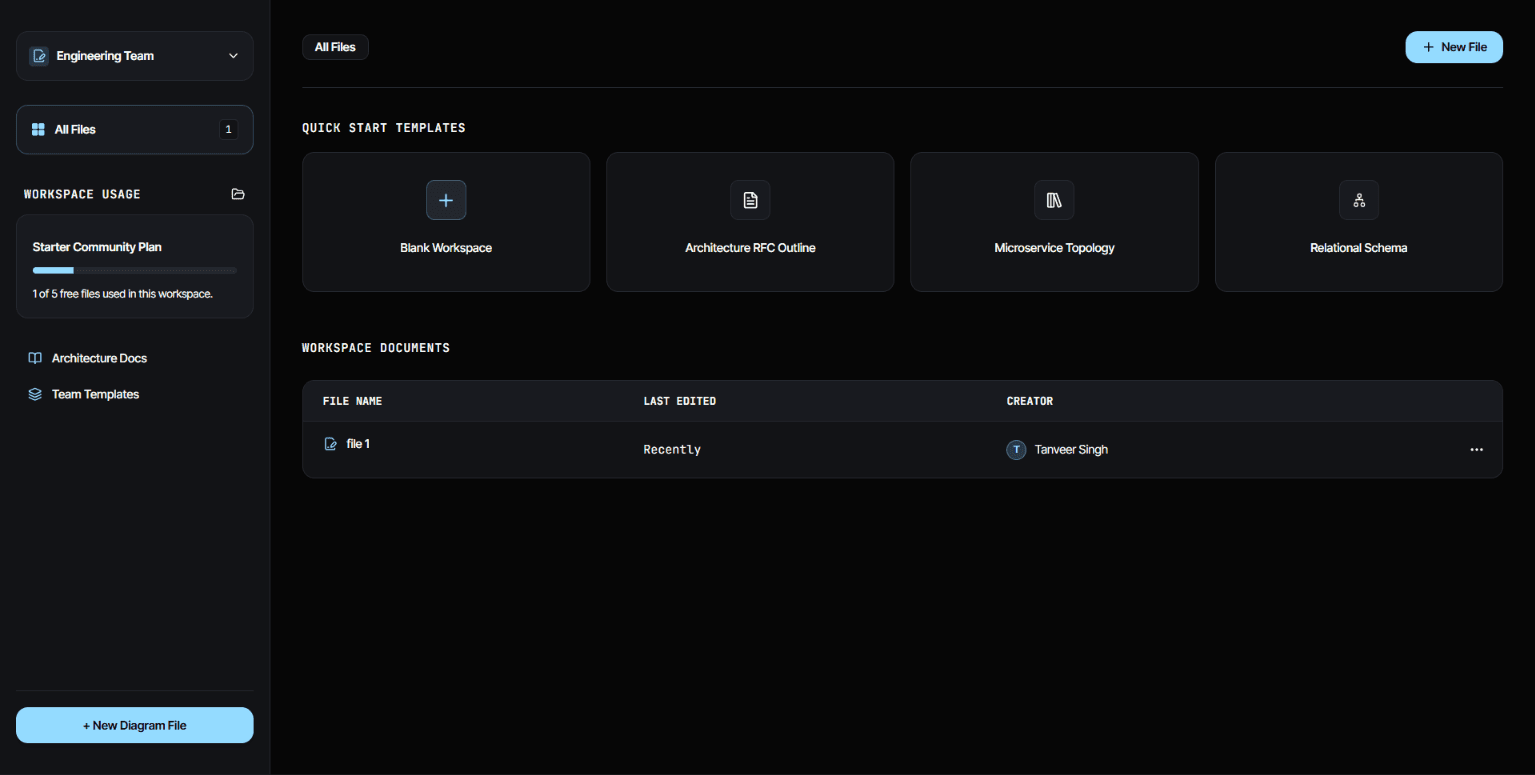
Users create or join a team, open its files and choose the editing view that fits the task. Excalidraw handles the canvas, while Editor.js provides structured text blocks.
Saving collects the editor content and current canvas elements into one update. Reopening the file restores those representations so a diagram and its explanation travel together.
Saving both sides of a workspace
Canvas and document
Excalidraw elements and Editor.js blocks hold the current edits.
Save request
The workspace sends both representations to the file endpoint.
Team file
MongoDB stores the document under its team.
Restore
Opening the file loads each representation into its editor.
State and persistence
The frontend keeps the editor instance and canvas state accessible to the workspace's save action. The request sends both editorData and canvasData to the file endpoint.
MongoDB stores users, teams and files, with each file associated with a team. The dashboard provides the navigation around that model. The workspace also checks connectivity before attempting a cloud save.
Use the editors' native data
Structured blocks and drawing elements can be reopened for editing; a flattened screenshot would lose that capability.
Keep save status visible
The workspace exposes a saving state and a success indication, which helps the user distinguish an edit from a persisted change.
Current scope
Team members can open shared files, edit the diagram and its explanation, and save both together. Reopening a file restores the drawing elements and text blocks for further editing.
Current improvements
I am working on live co-editing so teammates can update a shared file together. That work includes handling simultaneous changes and keeping access checks consistent as edits move between clients.
Versioned saves and local draft recovery are planned alongside that work to protect edits through reconnects and failed requests, and avoid silently overwriting another person's changes.
EasyDraw gallery
A closer look at the product and its workflows.